
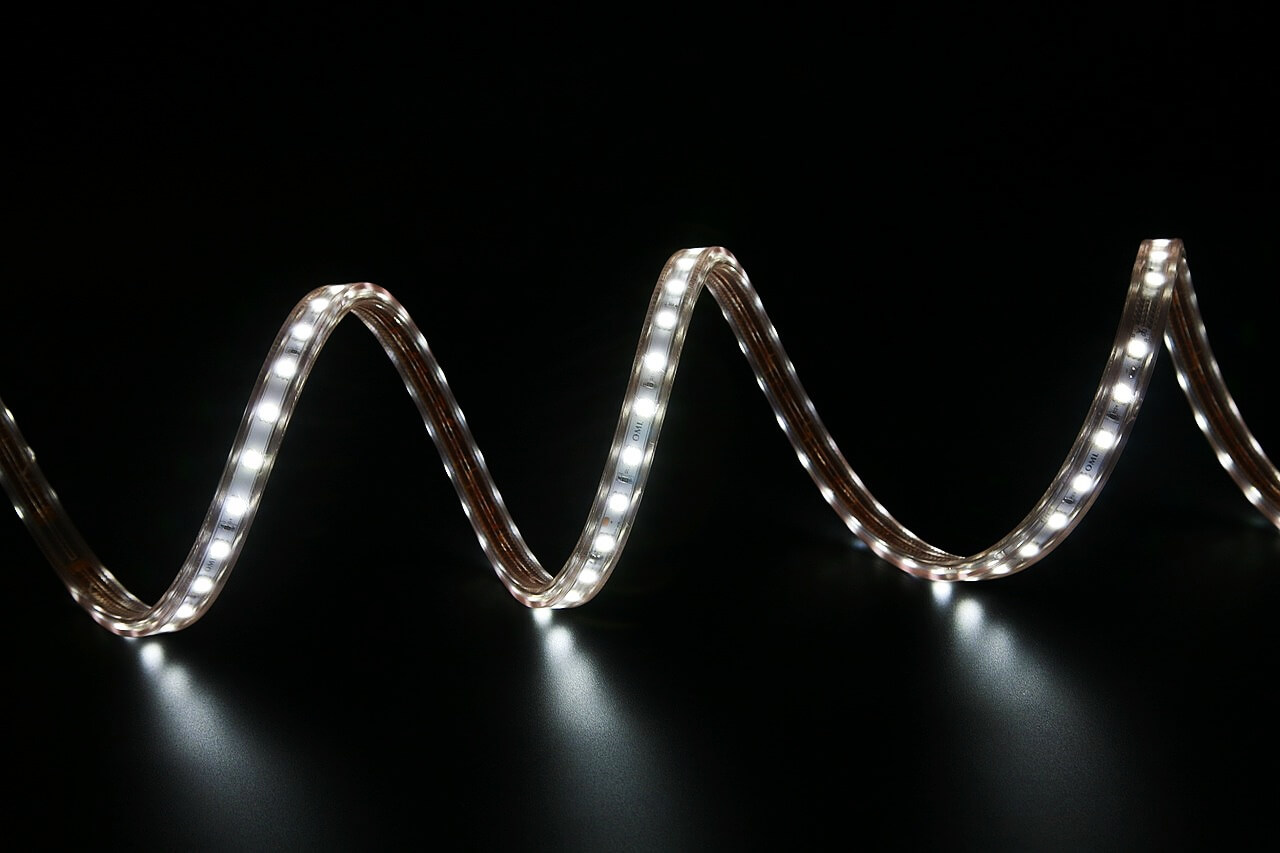
Testing an LED driver is essential to ensure your LED lighting system operates efficiently and safely. Whether you’re troubleshooting an issue or setting up a new system, knowing how to test an LED driver can save time and prevent potential damage. In this post, we’ll walk you through the steps to test an LED driver using simple tools and techniques.
What You Need to Test an LED Driver
Before you start, gather the necessary tools:
- Multimeter: This device will measure voltage, current, and resistance.
- LED Load or Equivalent Resistor: A test load that simulates the actual LED or an equivalent resistor.
- Screwdrivers and Wire Strippers: For accessing the driver and making connections.
Step 1: Understand the Driver Specifications
Before testing, review the LED driver’s specifications, including:
- Output Voltage: The voltage range the driver provides.
- Output Current: The current the driver supplies.
- Input Voltage: The required voltage to power the driver.
This information is usually found on the driver’s label or datasheet.
Step 2: Safety First
Ensure all power to the LED driver is turned off before you begin testing. This prevents any accidental electrical shocks or damage to the equipment.
Step 3: Test the Input Voltage
- Power on the Driver: Turn on the power supply connected to the driver.
- Set the Multimeter: Adjust your multimeter to measure AC voltage.
- Measure the Input: Place the multimeter probes on the input terminals of the LED driver. Compare the reading with the driver’s rated input voltage to ensure it’s within the correct range.
Step 4: Test the Output Voltage
- Set the Multimeter to DC Voltage: Since LEDs operate on DC, set the multimeter to measure DC voltage.
- Connect the Multimeter: Attach the probes to the output terminals of the driver.
- Measure the Voltage: Record the output voltage and compare it to the driver’s specifications. The reading should match the driver’s rated output voltage within the specified range.
Step 5: Test the Output Current
- Set the Multimeter to DC Current: Switch your multimeter to measure DC current.
- Insert the Test Load: Connect an LED load or equivalent resistor to the driver’s output terminals.
- Measure the Current: Place the multimeter probes in series with the LED load to measure the current. Ensure the current matches the driver’s rated output current.
Step 6: Check for Ripple
Ripple refers to fluctuations in the output current or voltage, which can cause LED flickering. To test for ripple:
- Switch the Multimeter to AC Voltage: This will help detect any AC components in the DC output.
- Measure Across the Output Terminals: Place the probes on the output terminals and observe the reading. Ideally, the ripple should be minimal, indicating a stable output.
Step 7: Inspect for Physical Damage
Finally, visually inspect the LED driver for any signs of physical damage, such as burn marks, swollen components, or loose connections. Any physical defects could indicate internal failure, necessitating replacement.
Conclusion
Testing an LED driver involves checking the input voltage, output voltage, and current, as well as looking for any signs of physical damage. By following these steps, you can ensure your LED driver is functioning correctly, which is crucial for the longevity and efficiency of your LED lighting system. Regular testing can prevent issues before they lead to more significant problems.
0 Comments